












4 platforms One hub · 3s Fast online · 1000+ Apps adapted

LetsVPN download hub — install it and it just works

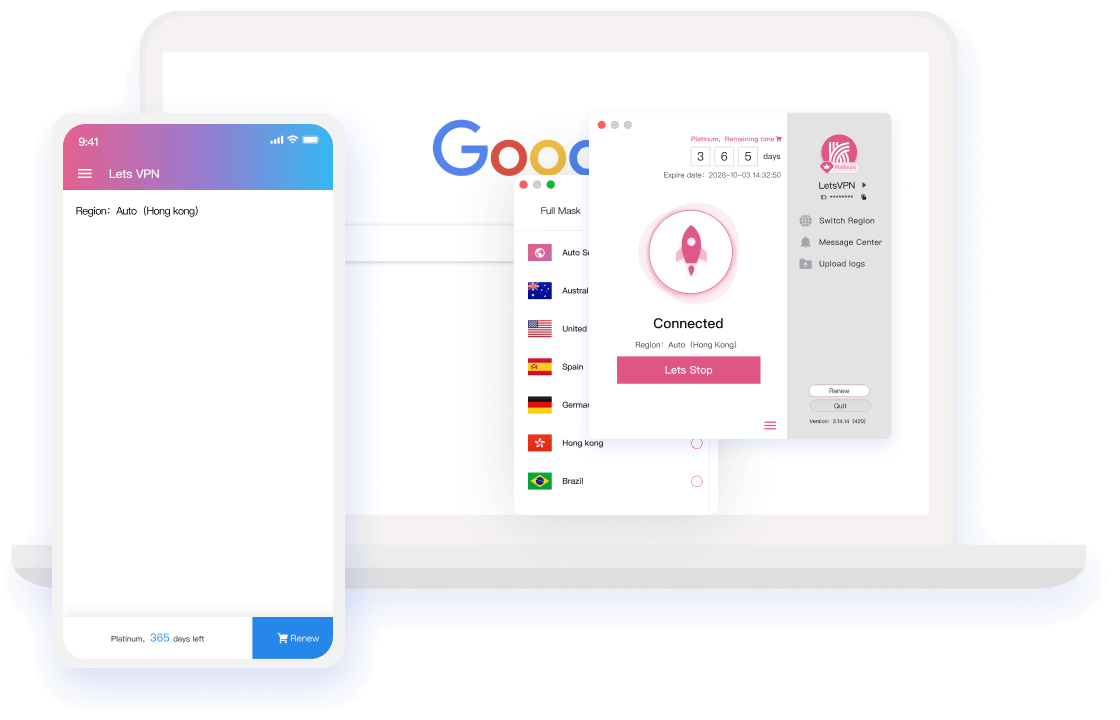
Desktop or phone, the right LetsVPN installer is right here. Download, install, sign in — three steps. After that, benchmarking, routing and connecting all happen automatically; most users are online within 3 seconds.

4 platformsOne hub
3sFast online
1000+Apps adapted
LetsVPN app
Right after install

What you get once LetsVPN is on your device

Not just another installer — a whole worry-free network experience.

The whole web, unrestricted

Install once and reach any resource worldwide, with no limits and no logs; modern trace-wiping keeps you untraceable — every corner of the internet becomes reachable.

One tap, three seconds

A brand-new kernel with AI connection does the routing for you: the fastest global node is matched automatically, and one tap on "Quick Connect" brings silky browsing in three seconds.

Free download, 72-hour trial

The client costs nothing to download — try 72 hours free before paying. Plans start at a single day, cancel any time, and nothing ever traps you.

Install once, use everywhere

Four platform clients share one account: membership time works across devices running simultaneously, so switching machines never means buying again.

Someone has your back

100+ live agents and network engineers deliver 24-hour service — on call, never silent, covering everything from install to daily use.

After download

With LetsVPN installed, browse it all

One account unlocks the world's mainstream apps and sites, as smooth as local.

The adapted list keeps growing — stay tuned

Download zone

Pick your platform, start your LetsVPN download

Four official installer entry points — QR code or direct link; one account keeps all devices online.

Release notes

Beyond the download page — what else you should know

Version work and operational decisions, published item by item.

Read the version number before downloading the new build

Read the version number before downloading the new build

The key to a steadier app hides in the update prompt you dismiss instantly. The version number logs every optimization — three seconds to read, and you'll know if this download is worth it.

Read more →

A not-good-enough experience, and our response

A not-good-enough experience, and our response

Refunds slower than promised? Amounts mismatching remaining time? How much pressure is the team under? Questions that can't be brushed aside get itemized answers here.

Read more →
LetsVPN service fully restored

LetsVPN service fully restored

Standard operations resume at midnight May 8 (Toronto time): account time deducts normally, and purchases affected between April 8 and May 8 are compensated automatically after the freeze.

Read more →
Refunds under way: what you should know

Refunds under way: what you should know

Answering "is LetsVPN gone?" directly: not gone. Refunds keep moving; freeze, self-service refund and status tracking are live — plus a guide to fake refund scams at the end.

Read more →
How time freeze and self-service refunds work

How time freeze and self-service refunds work

LetsVPN is rolling out account time freeze, refund status tracking and self-service refunds in stages, with clear advice on resuming billing and compensating free service time.

Read more →
A letter to LetsVPN users

A letter to LetsVPN users

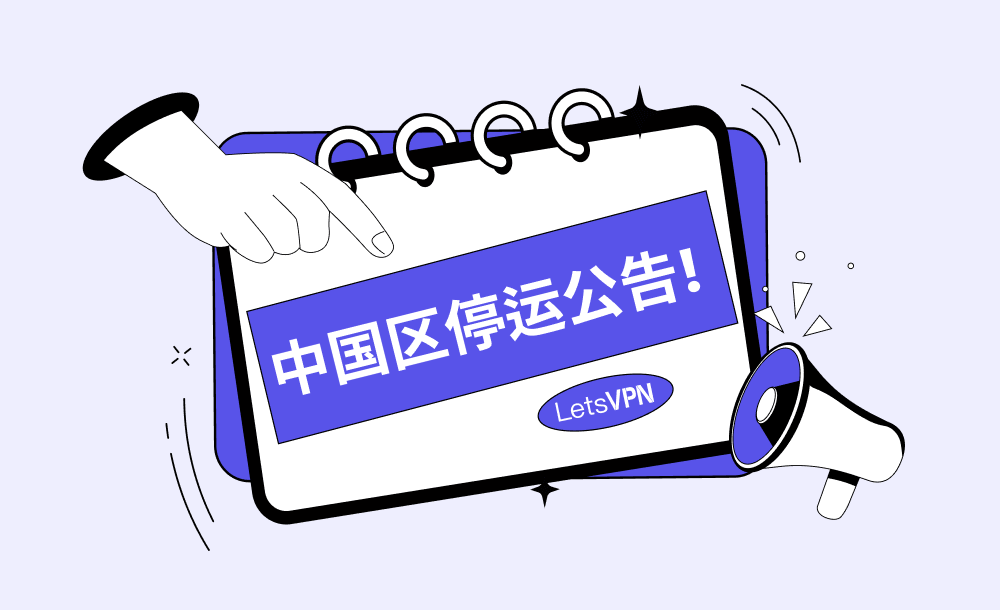
A hard decision had to be made: mainland China operations will end and service there cannot continue. Regret and gratitude fill this letter — thank you for your trust.

Read more →
Download rescue

Common download errors and their fixes

Six high-frequency errors with matching fixes; if one fails, live agents take over.

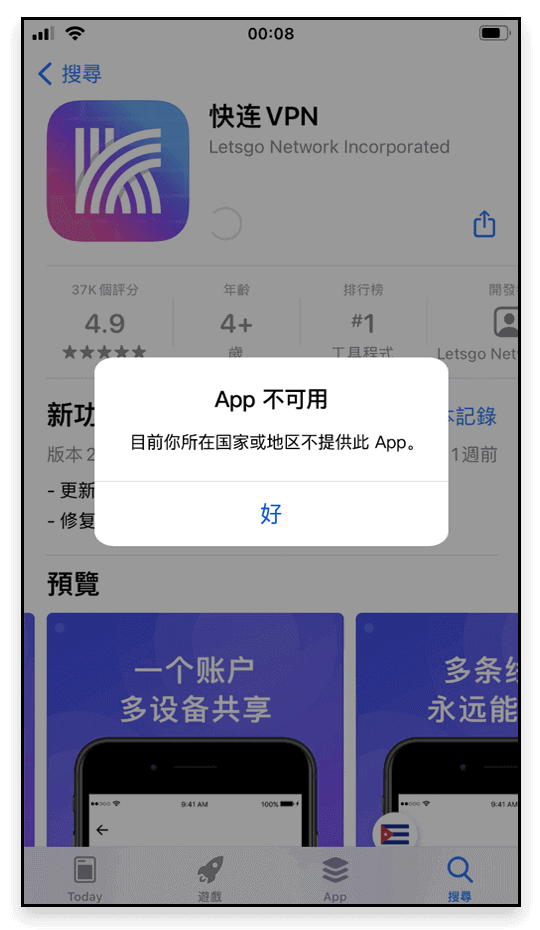
App unavailable

Check whether the Apple ID is in <Mainland China>, or a recent region switch hasn't synced yet;

Fix: sign out, log in with a <Hong Kong Apple ID>, then download LetsVPN again.

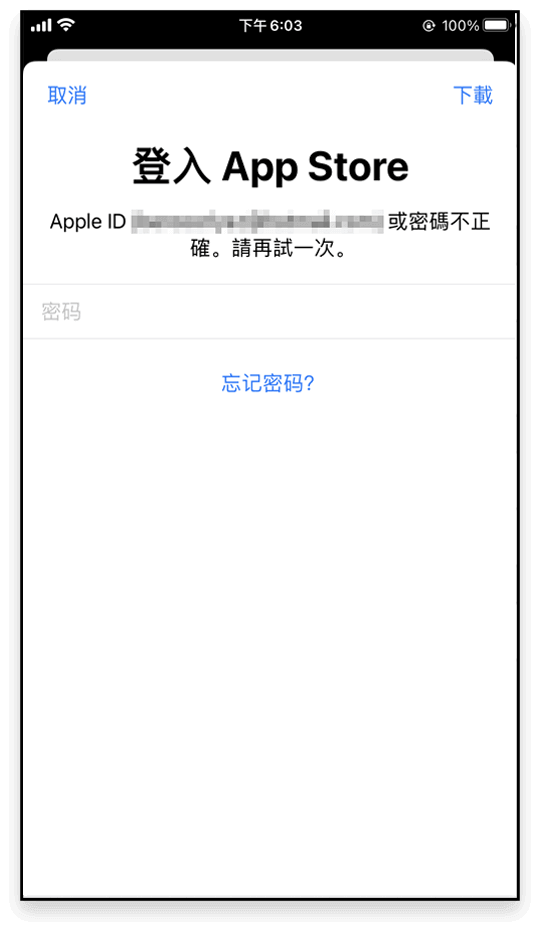
Blocked at App Store sign-in

Asked for a password of an account you're not using? You likely installed with <Apple ID A> and updated under <Apple ID B>;

Fix: delete the old build, then download and install with the current account.

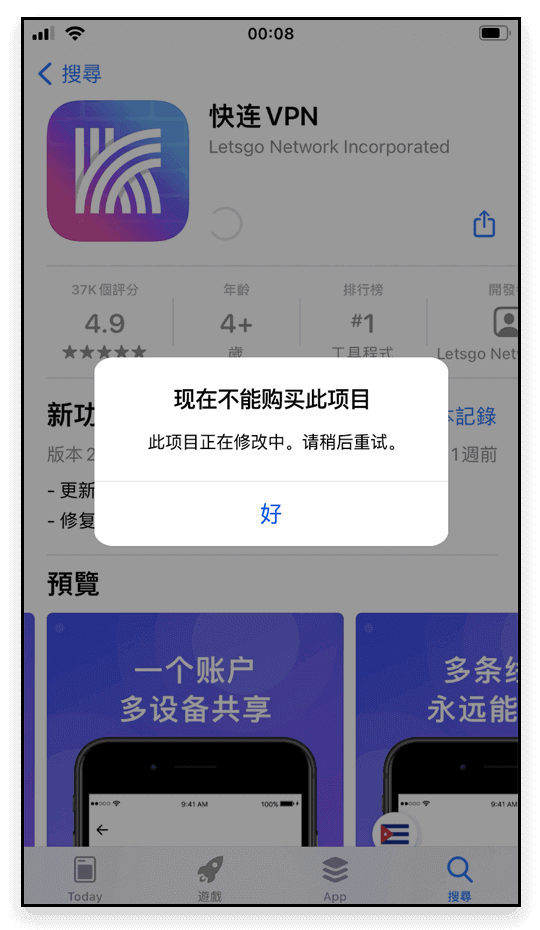
"Cannot purchase right now"

A leftover <previous version> of LetsVPN clashes with the store build;

Fix: delete the old version and download again.

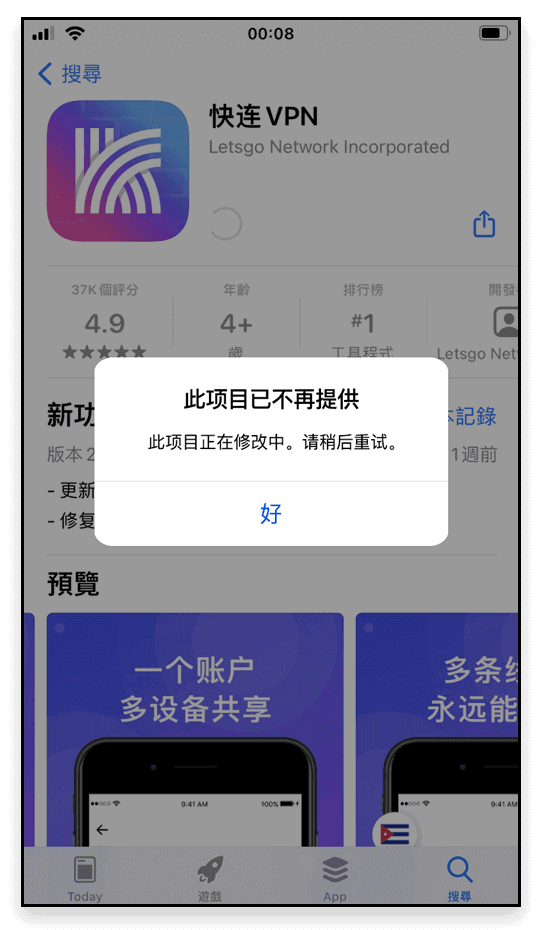
"No longer available"

Still the <previous version> versus store build conflict;

Fix: uninstall the old one and fetch the newest.

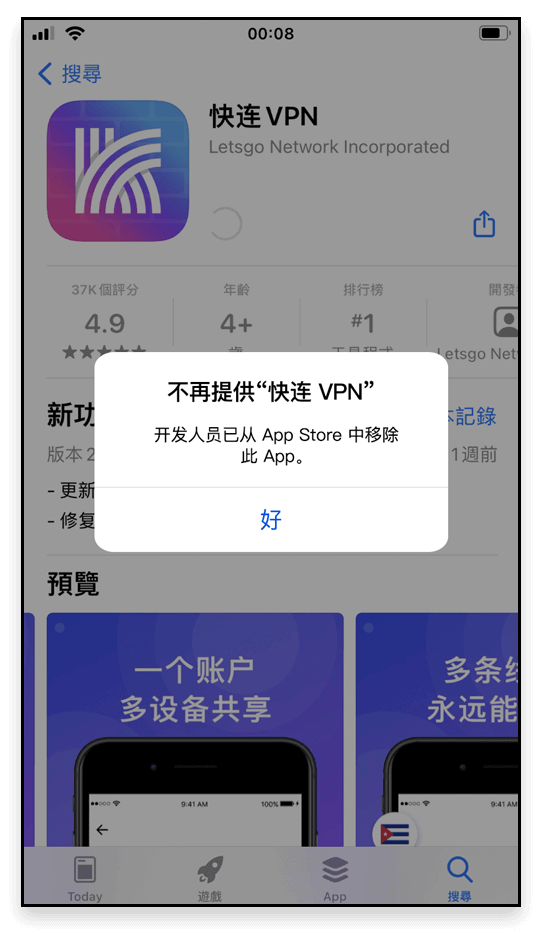
"LetsVPN is no longer offered"

Old-version leftovers cause the store conflict — the account is fine;

Fix: remove the old version and re-download.

Download still failing?

Any question during download — contact live chat support any time; the professional team will help you solve it.